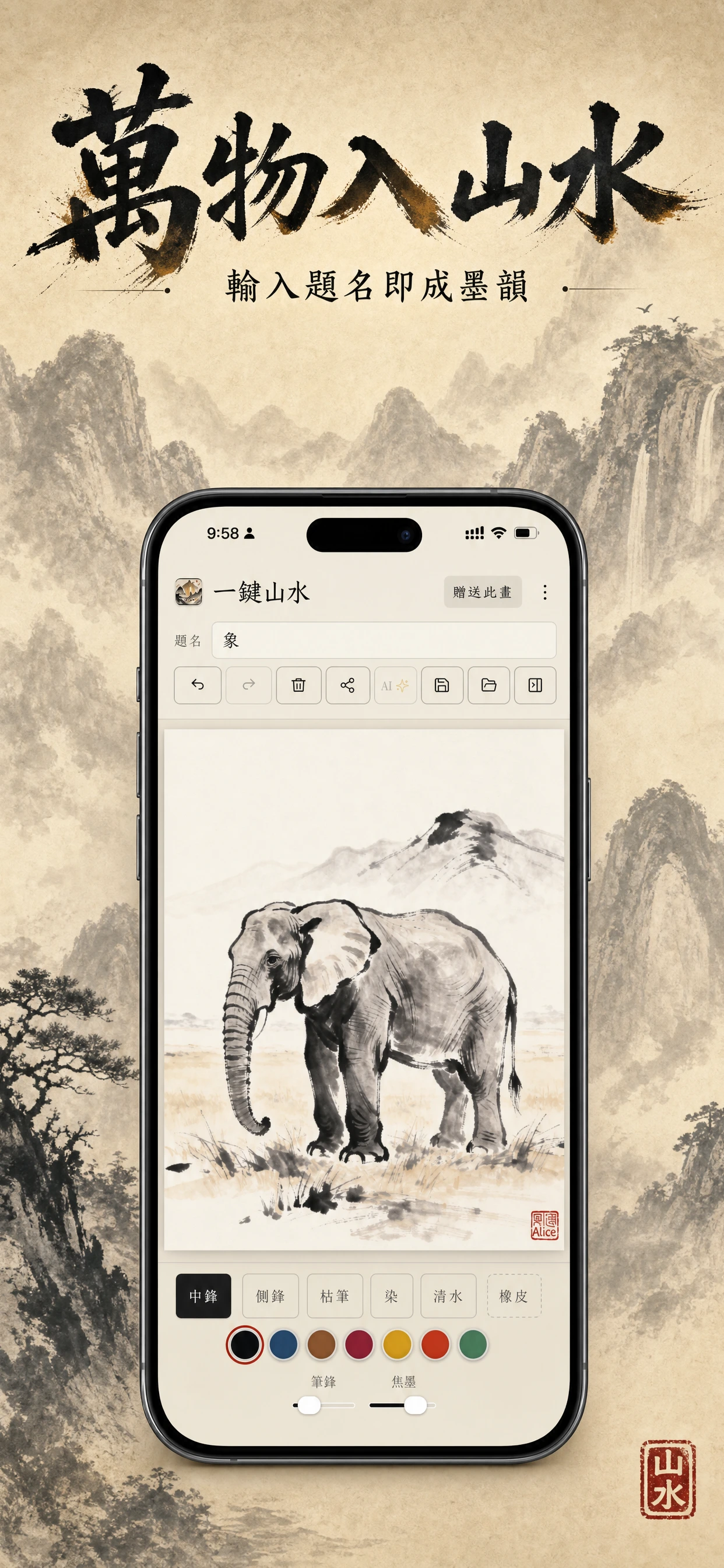
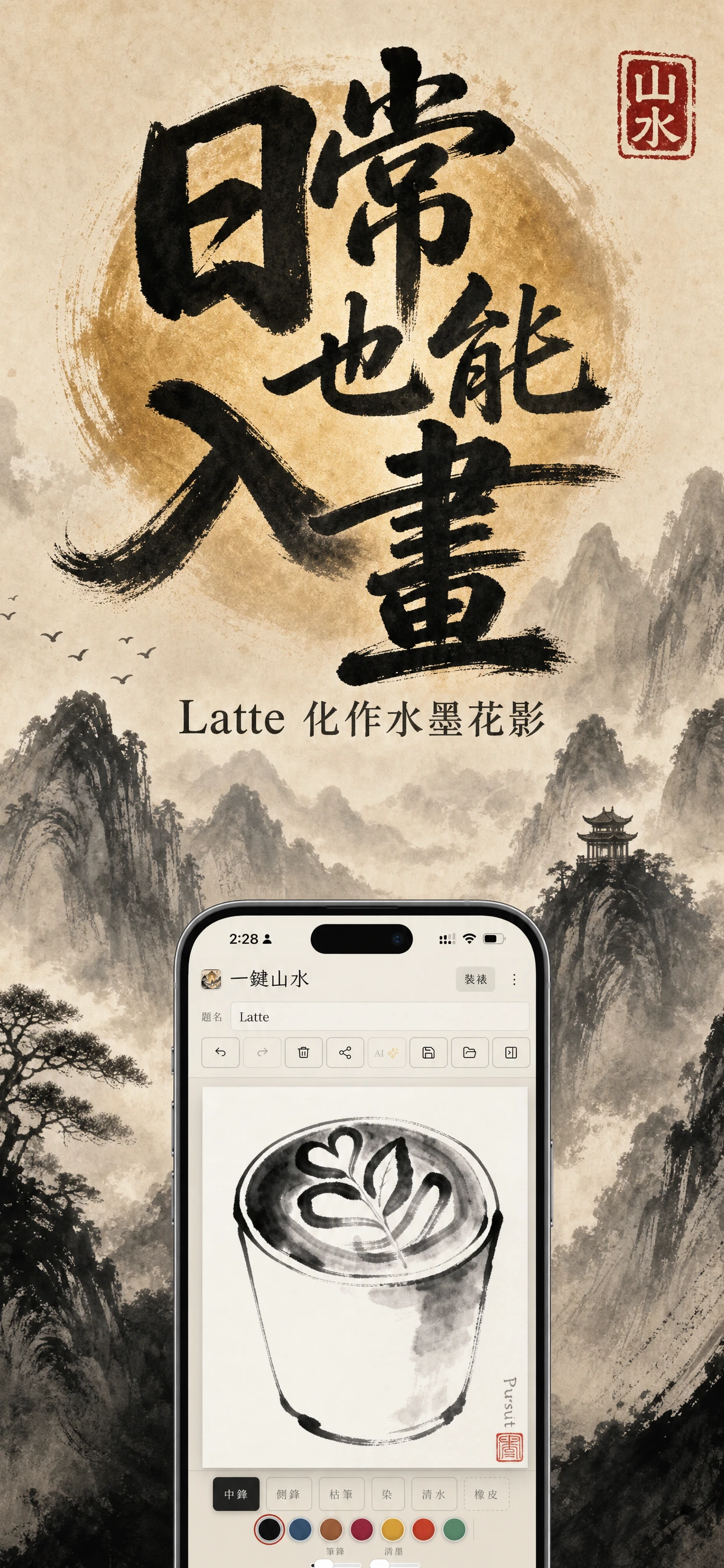
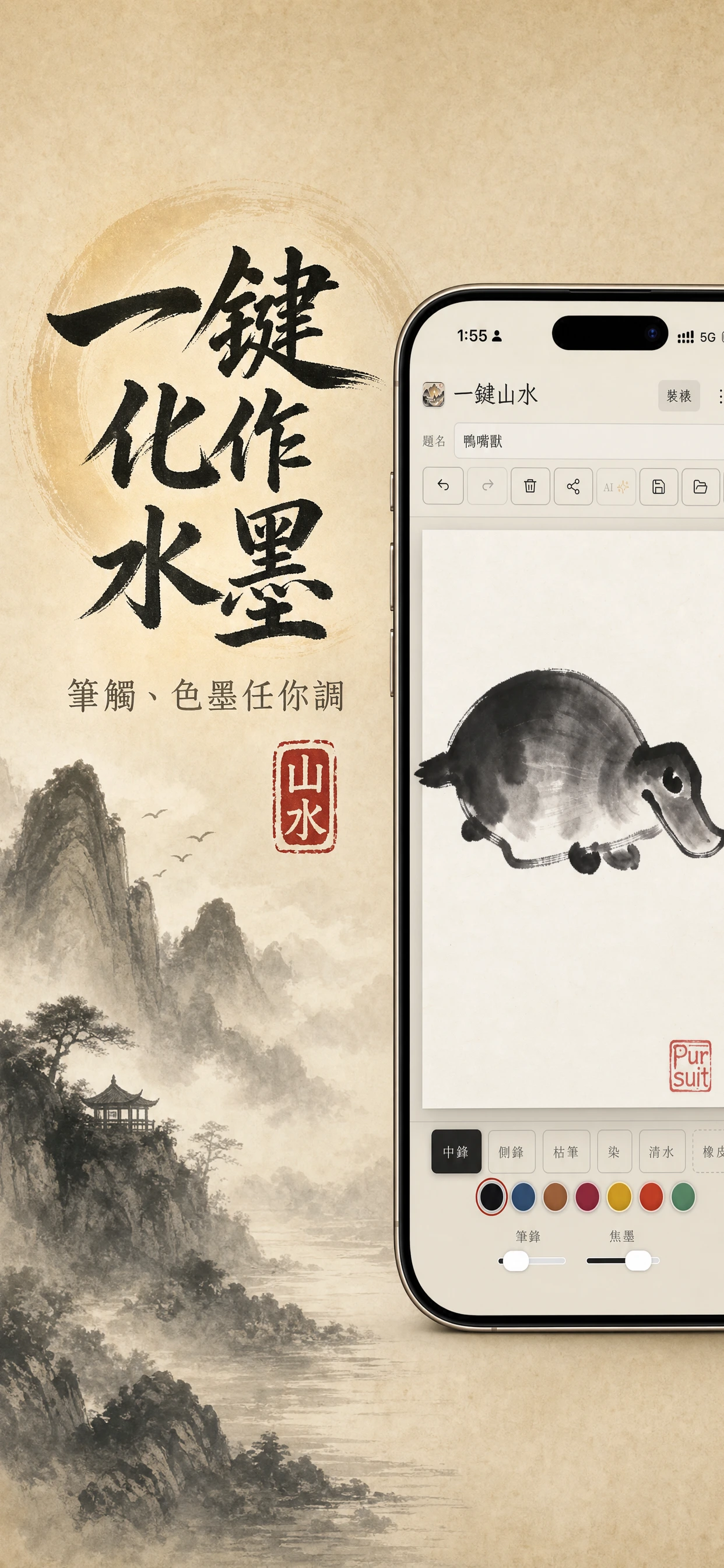
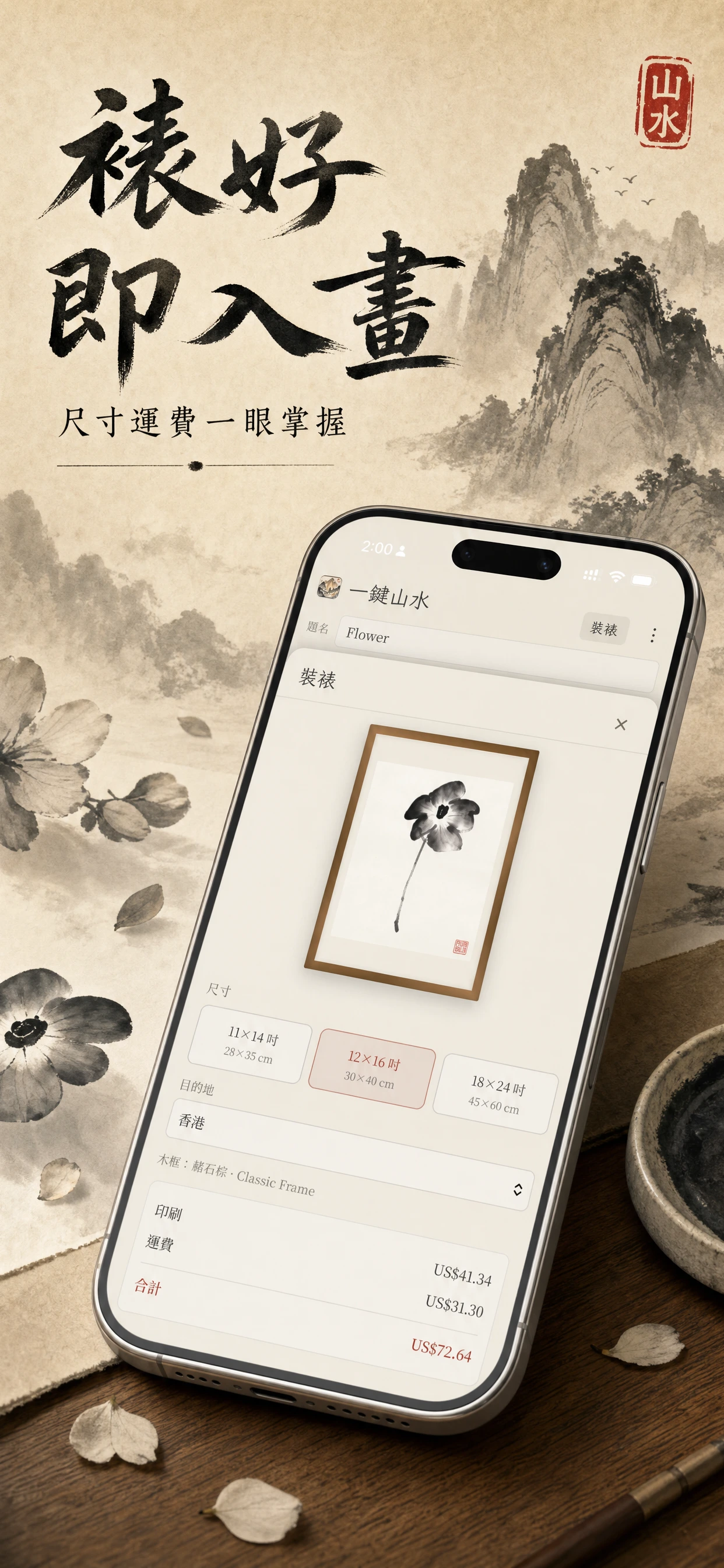
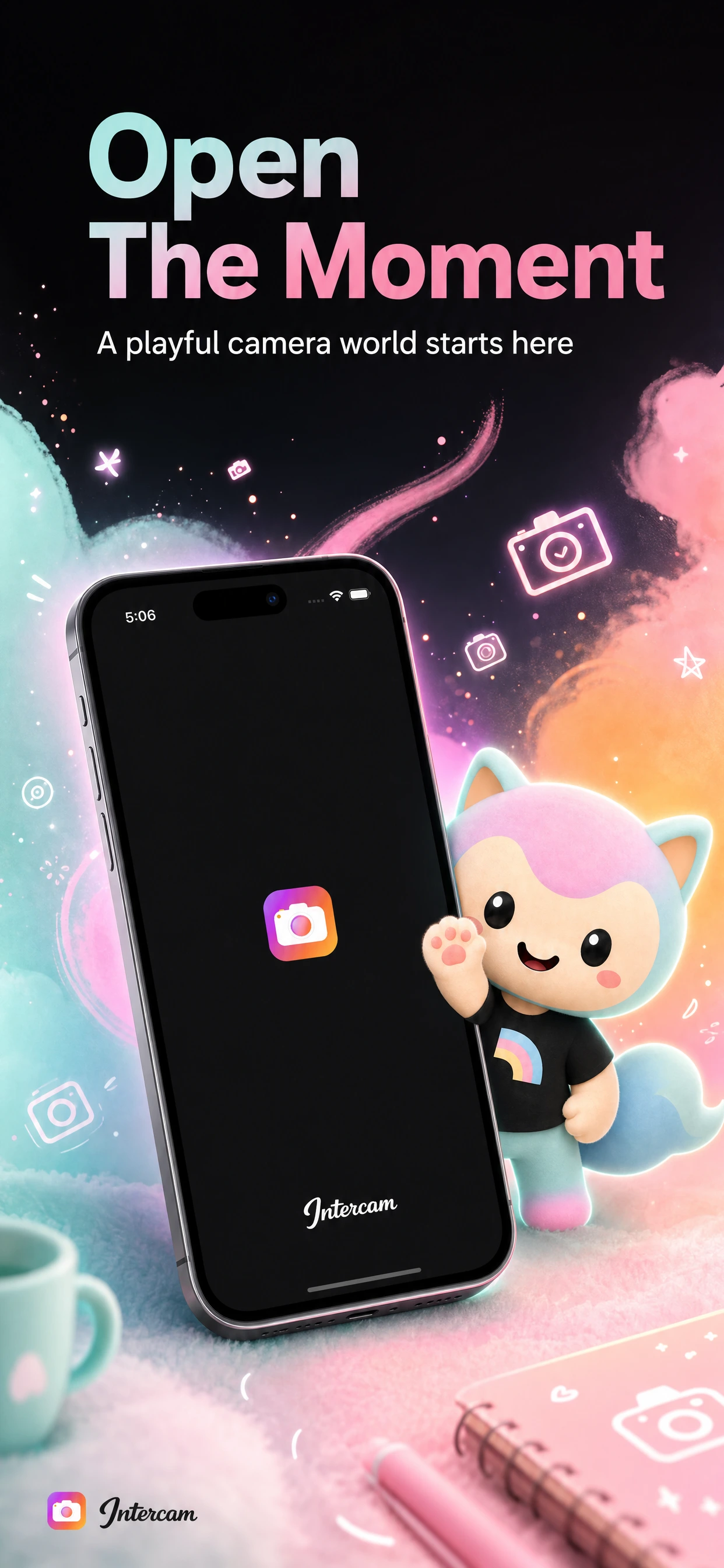
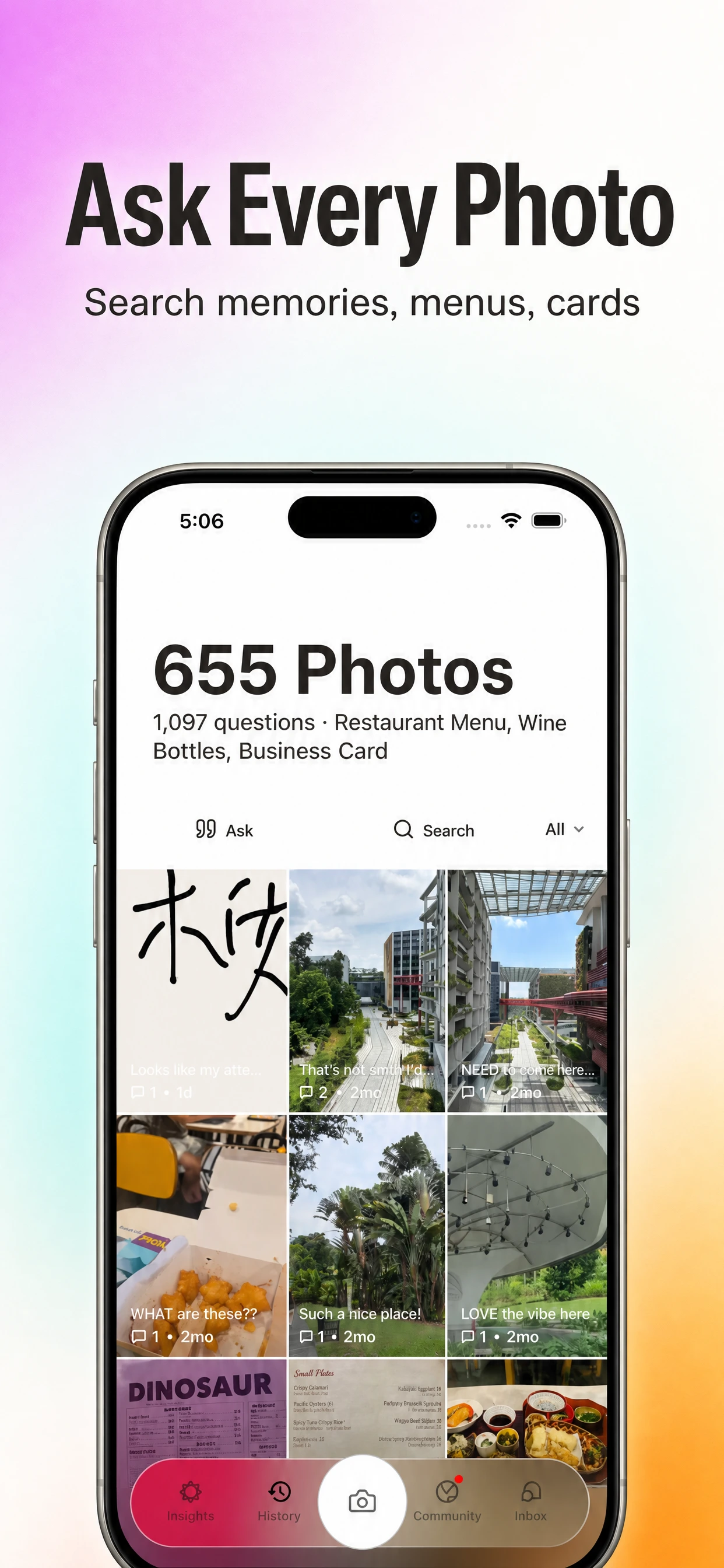
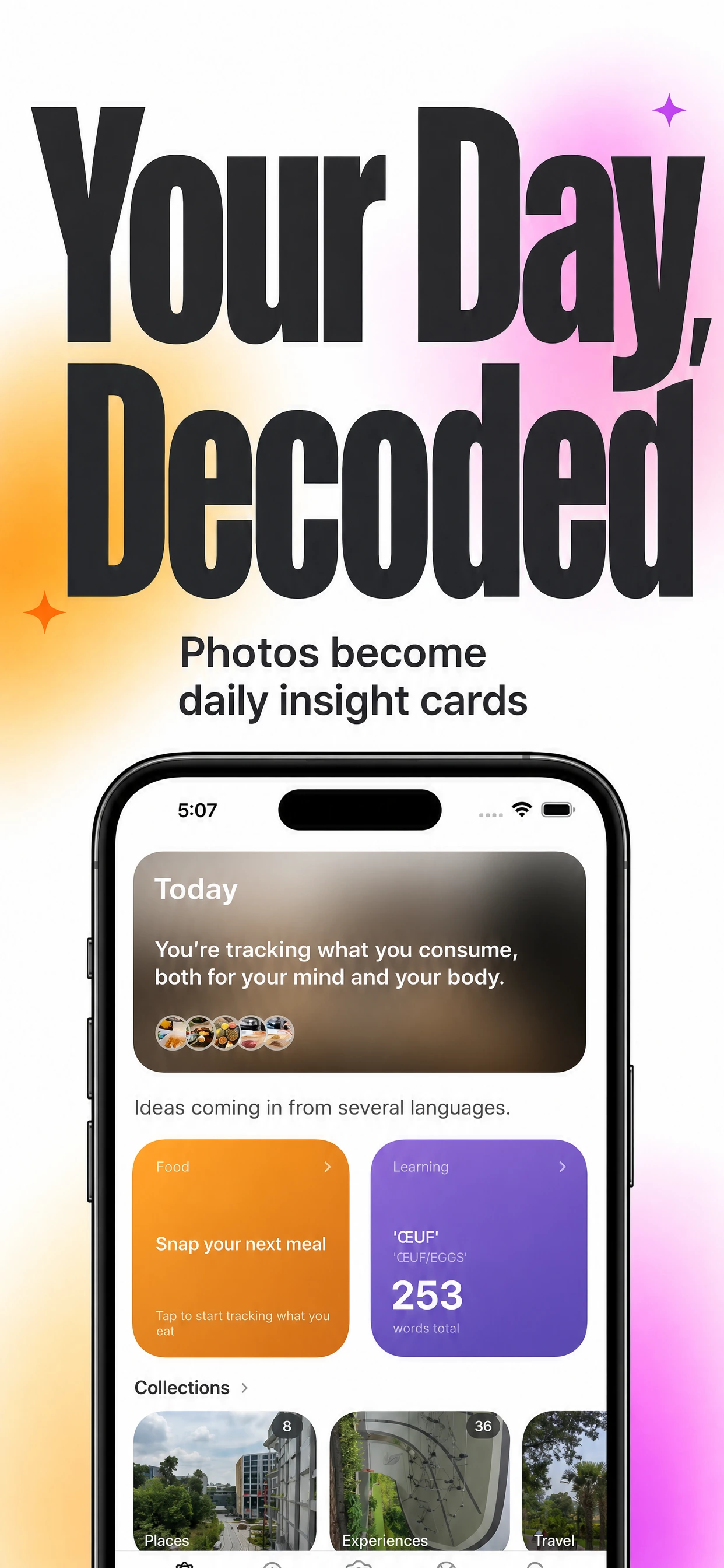
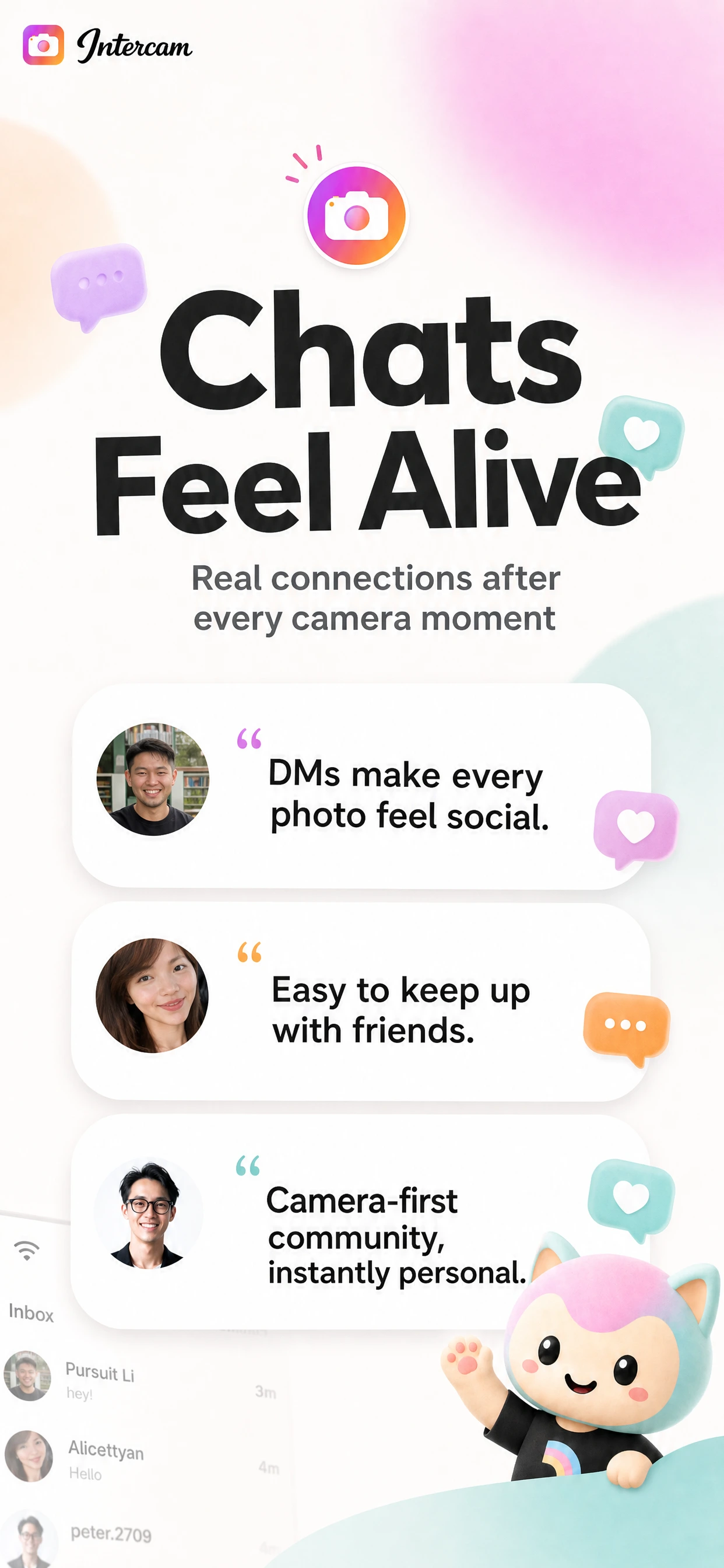
AI App Store Screenshot Generator for Indie App Builders
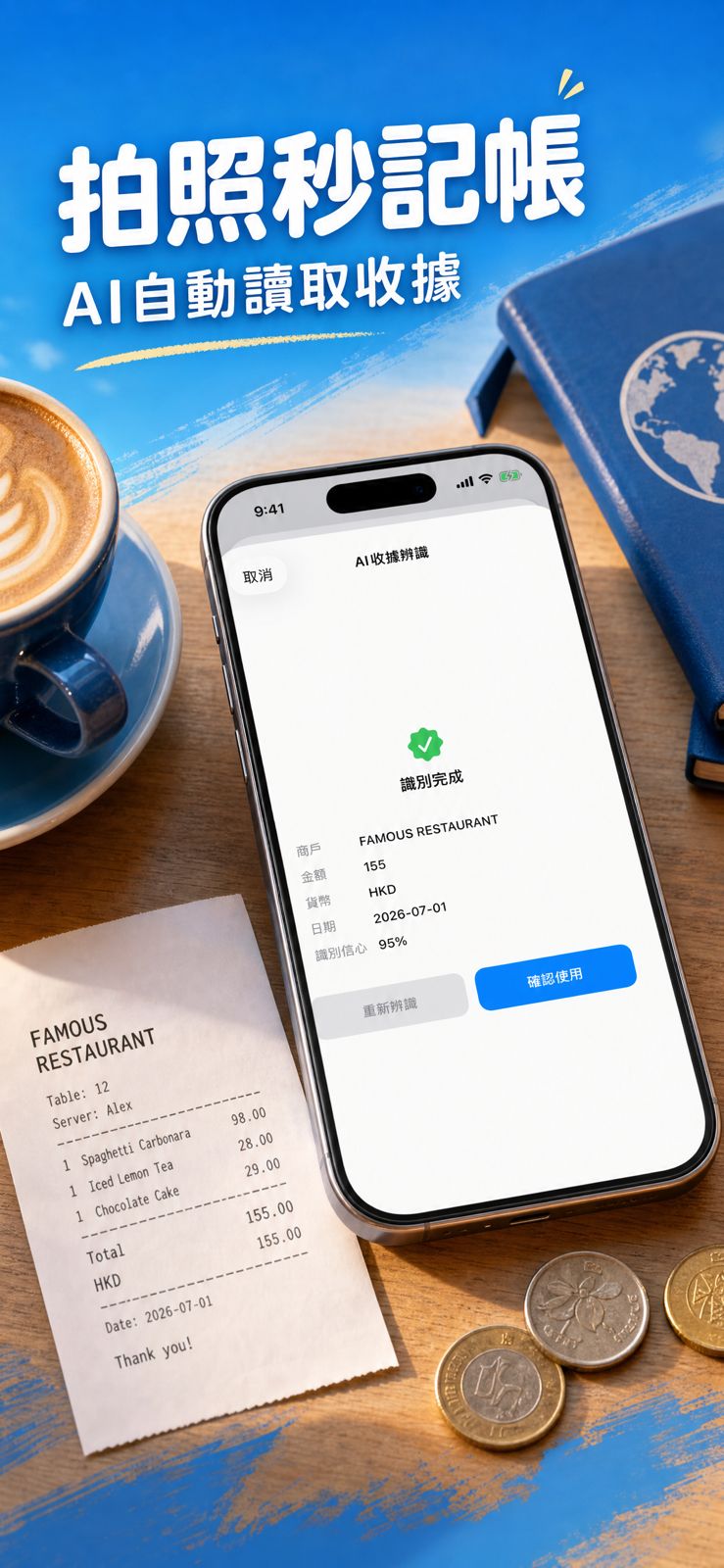
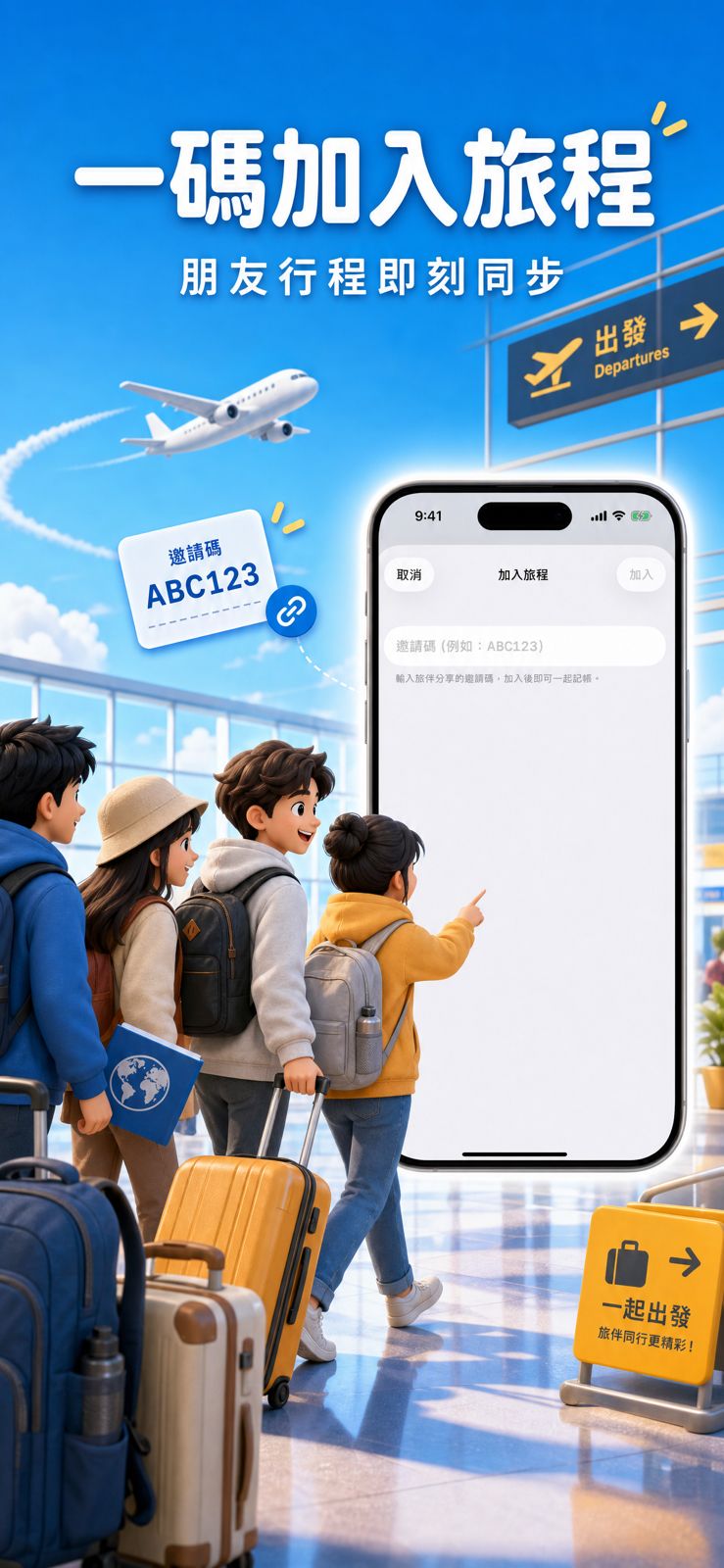
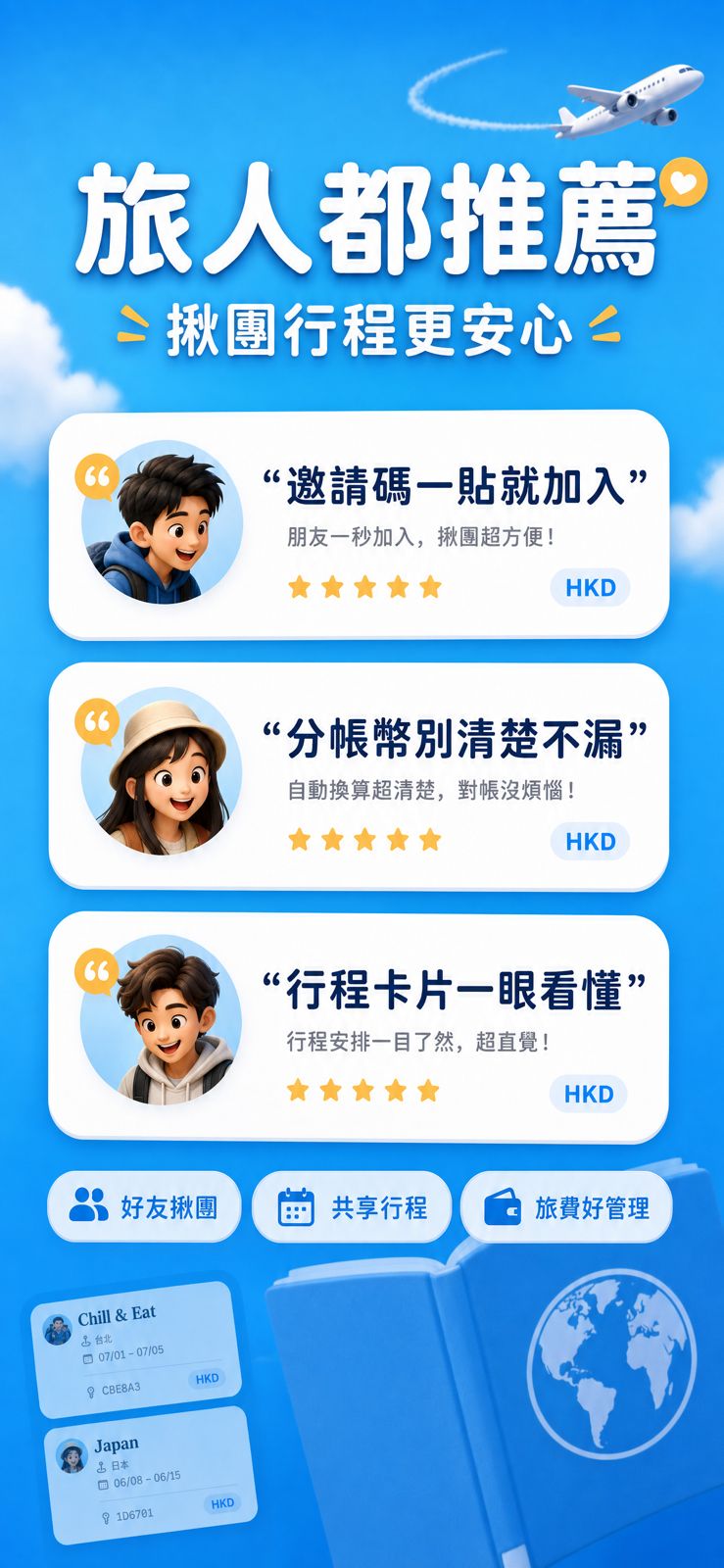
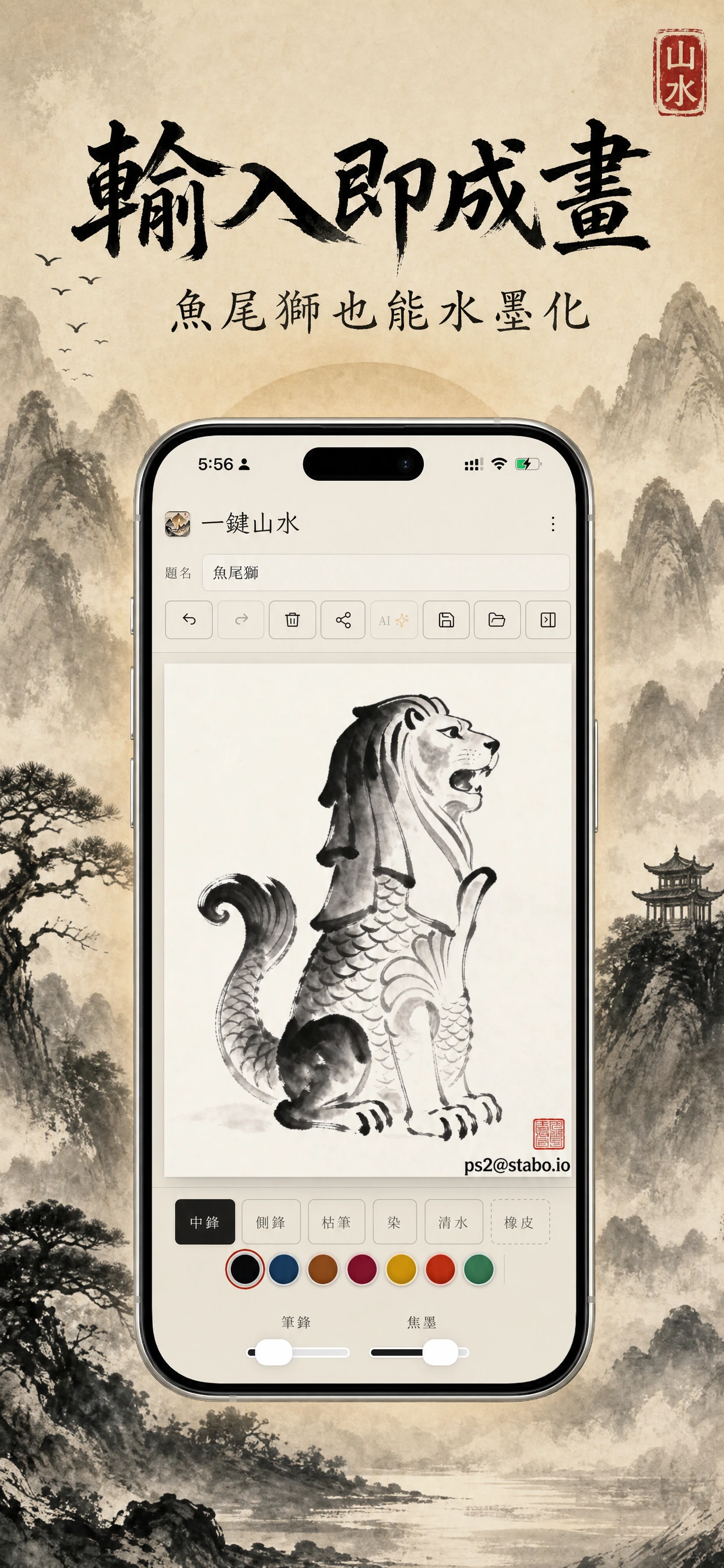
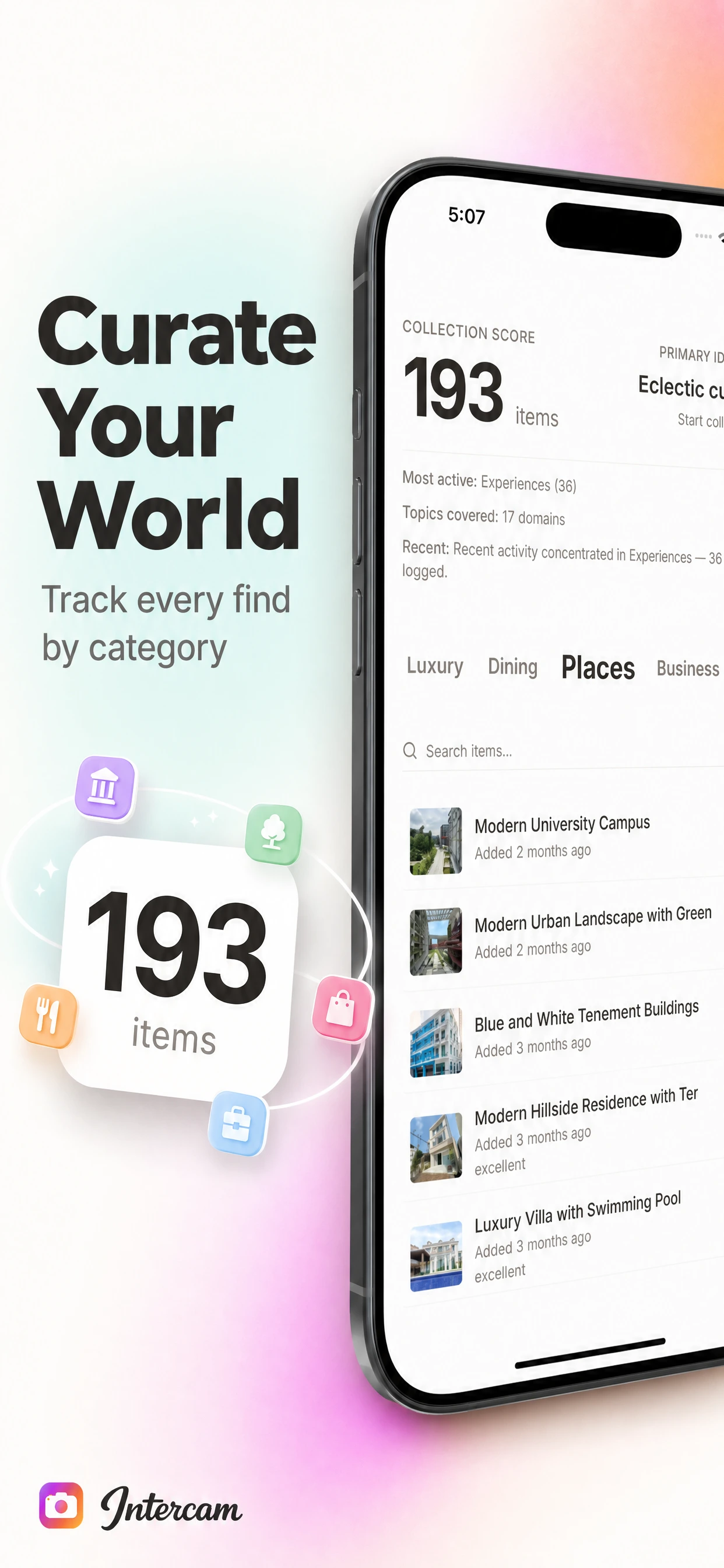
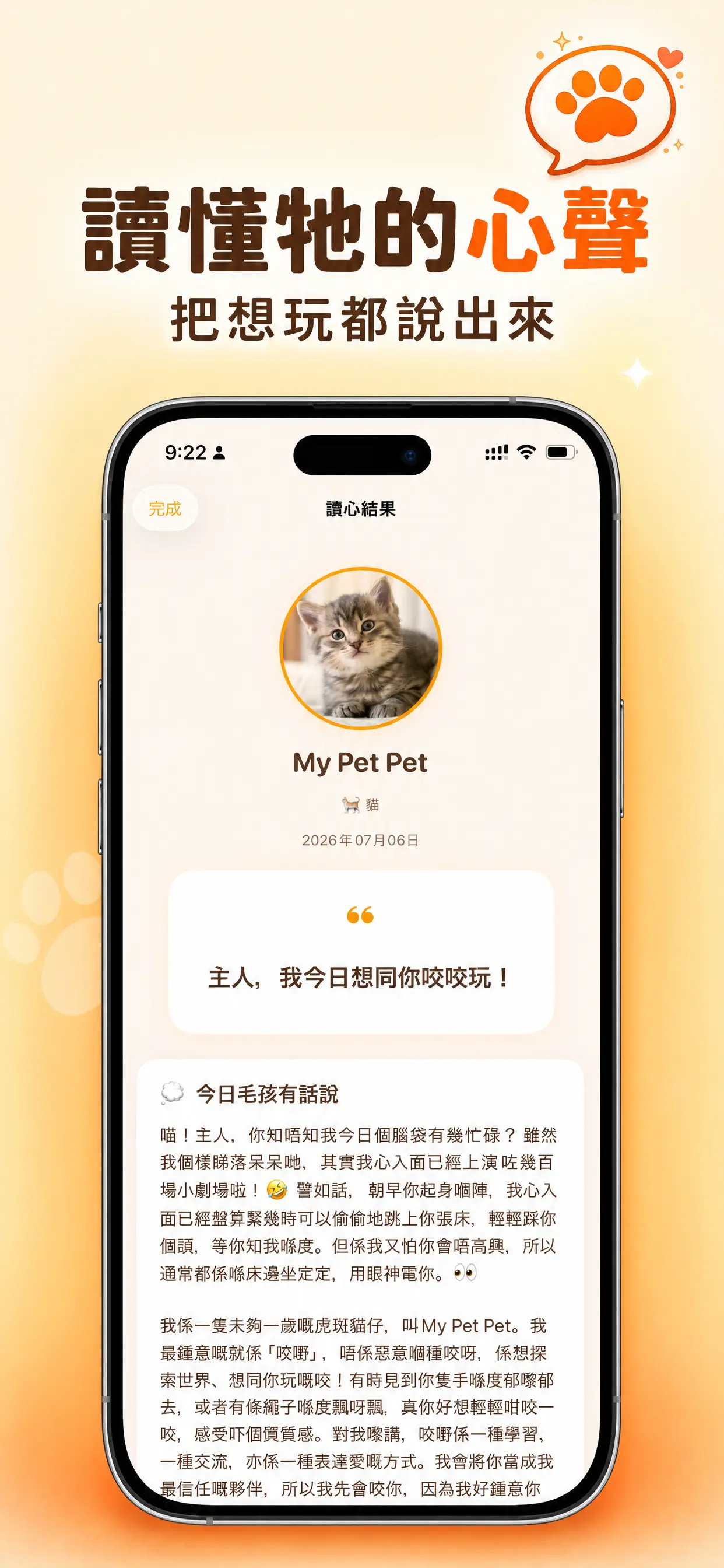
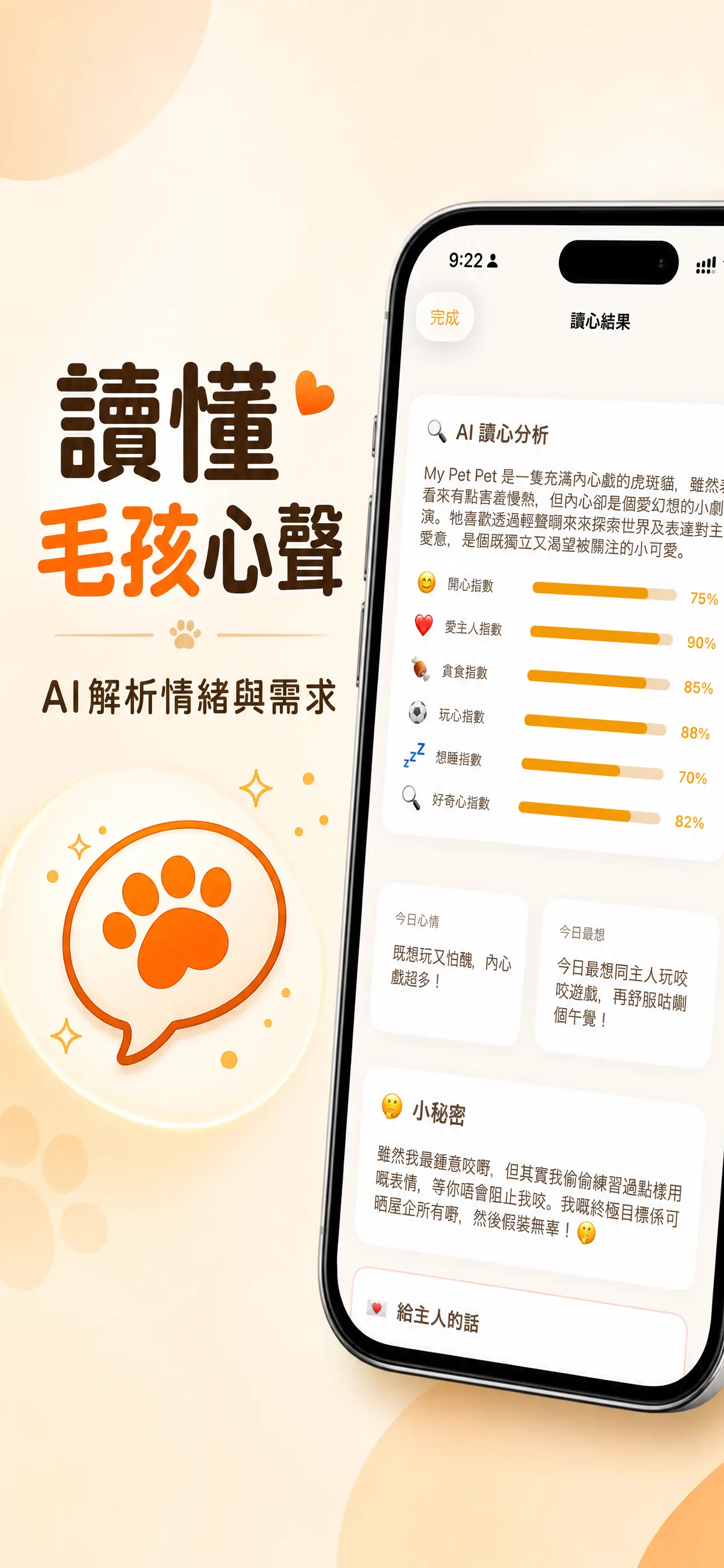
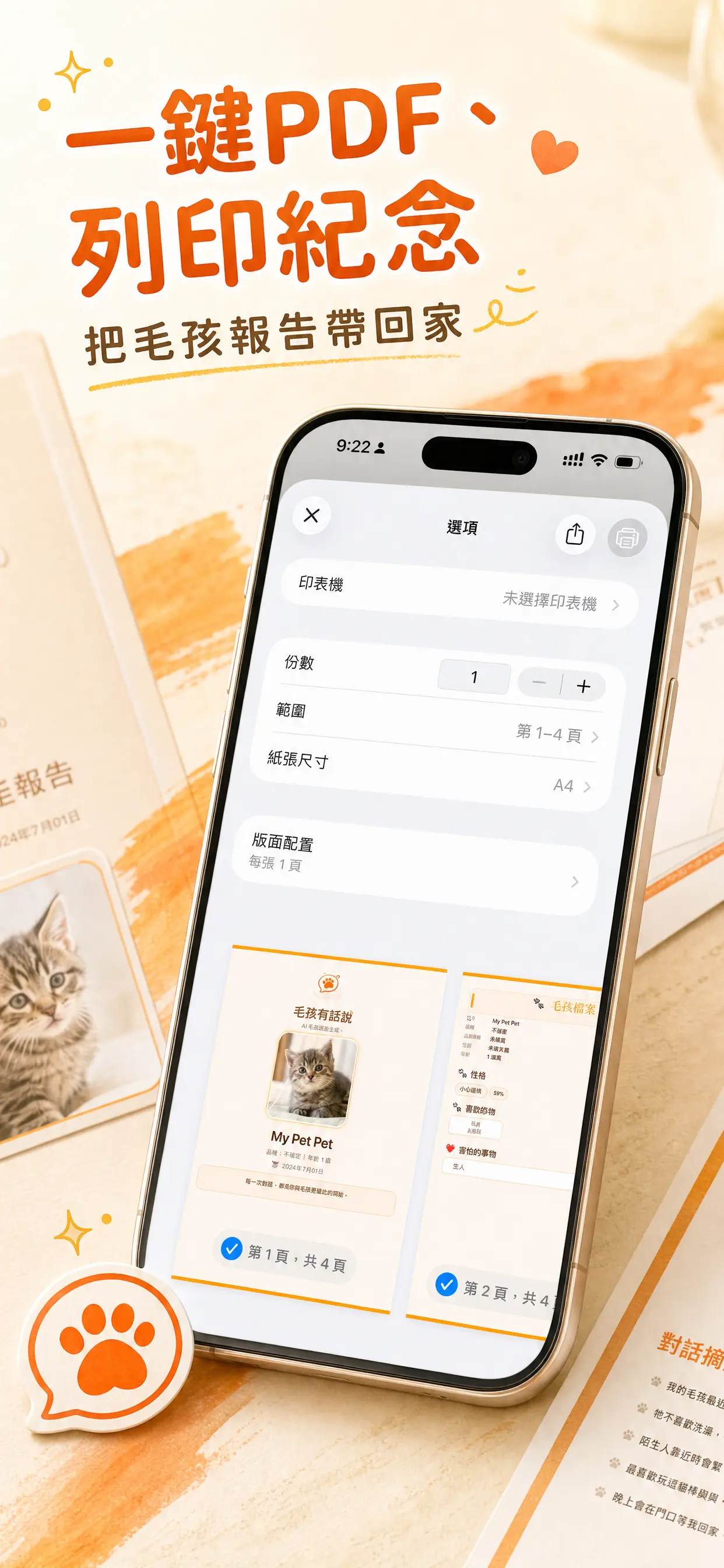
Turn raw app screenshots into App Store-ready visuals, launch page heroes, and social launch images in minutes.
From raw screenshots to launch-ready visuals
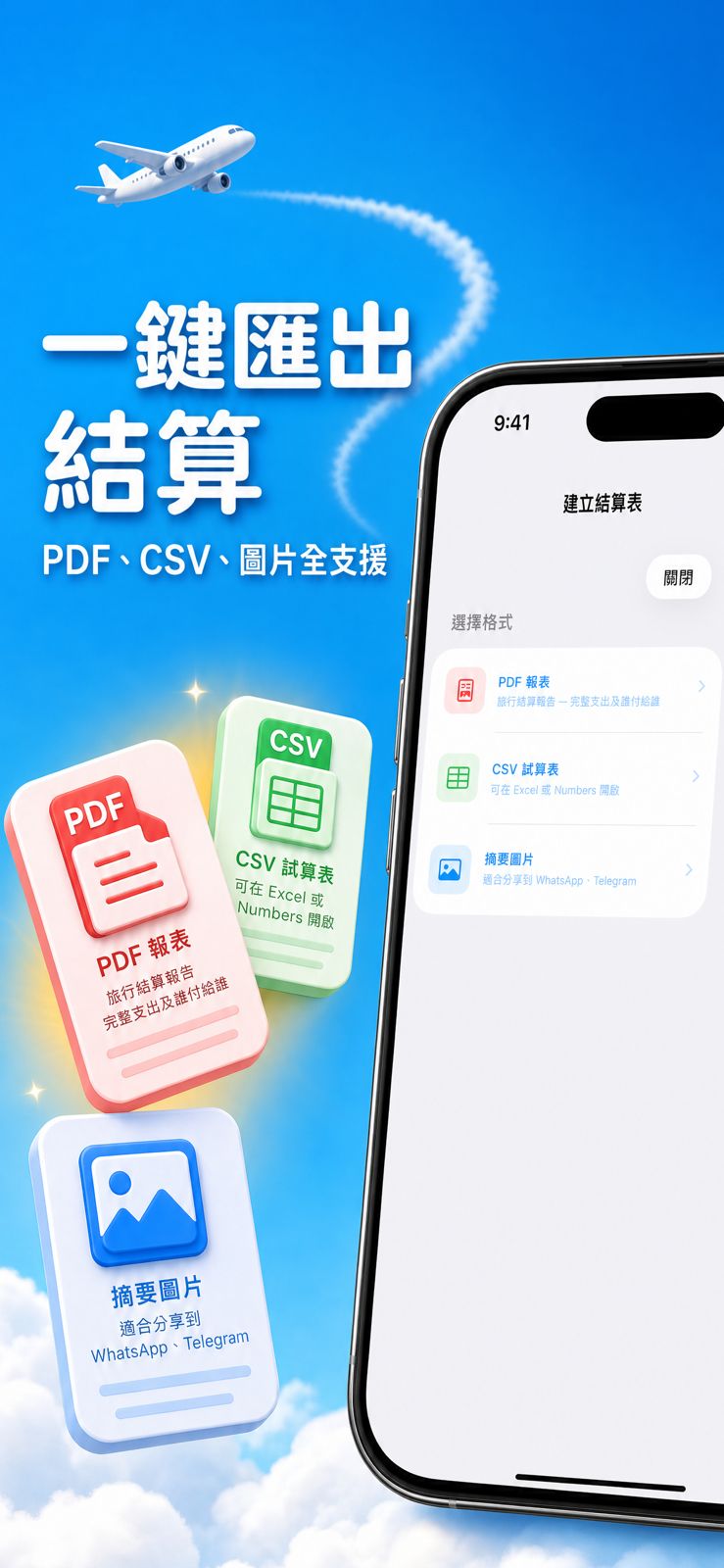
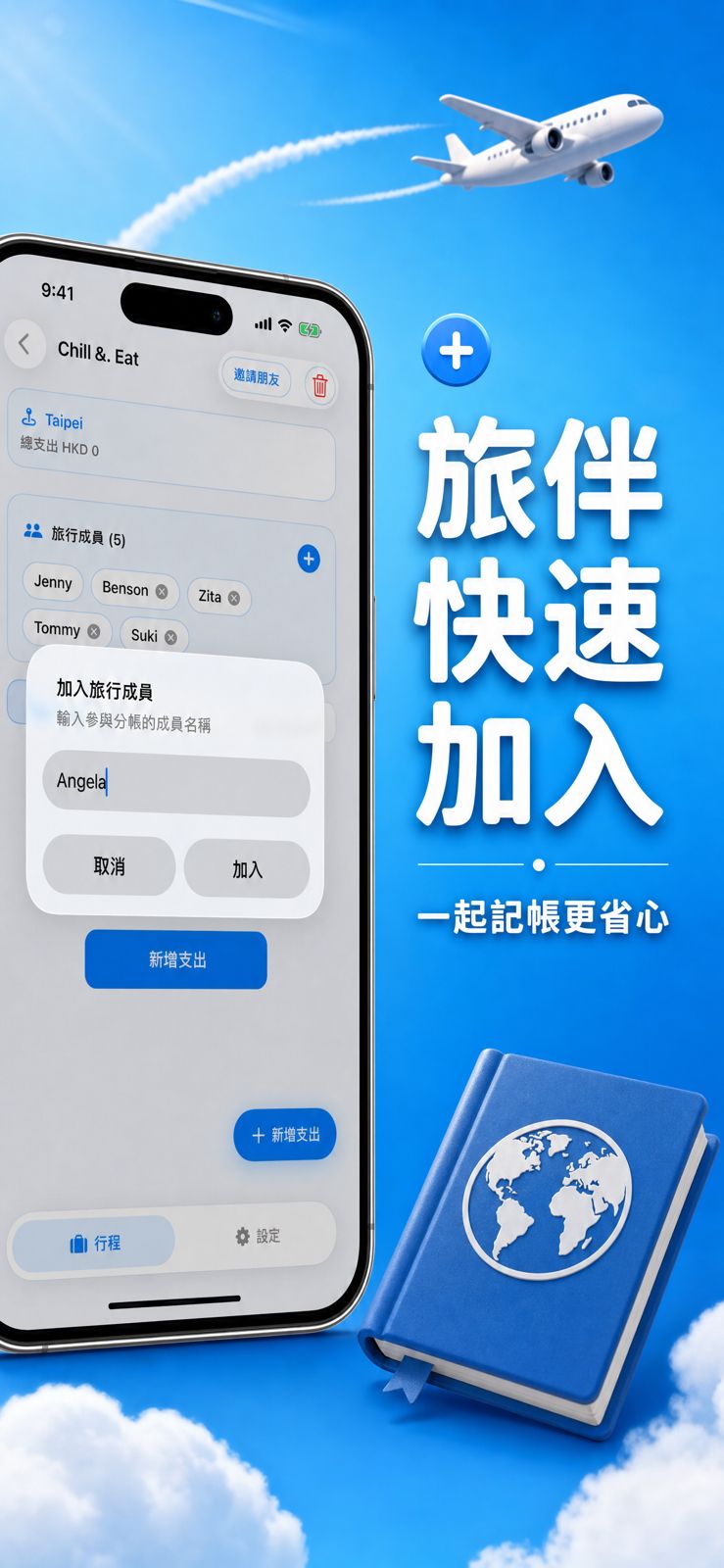
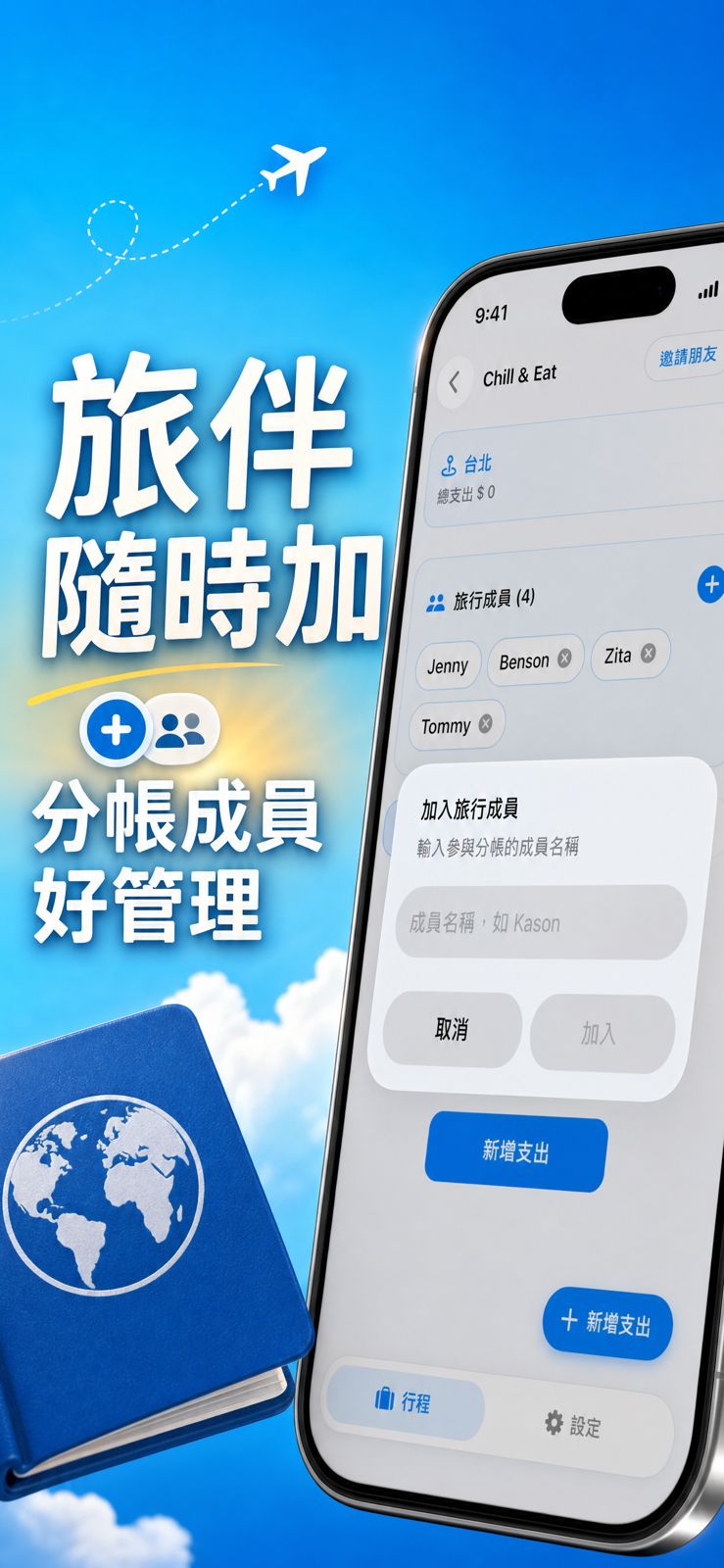
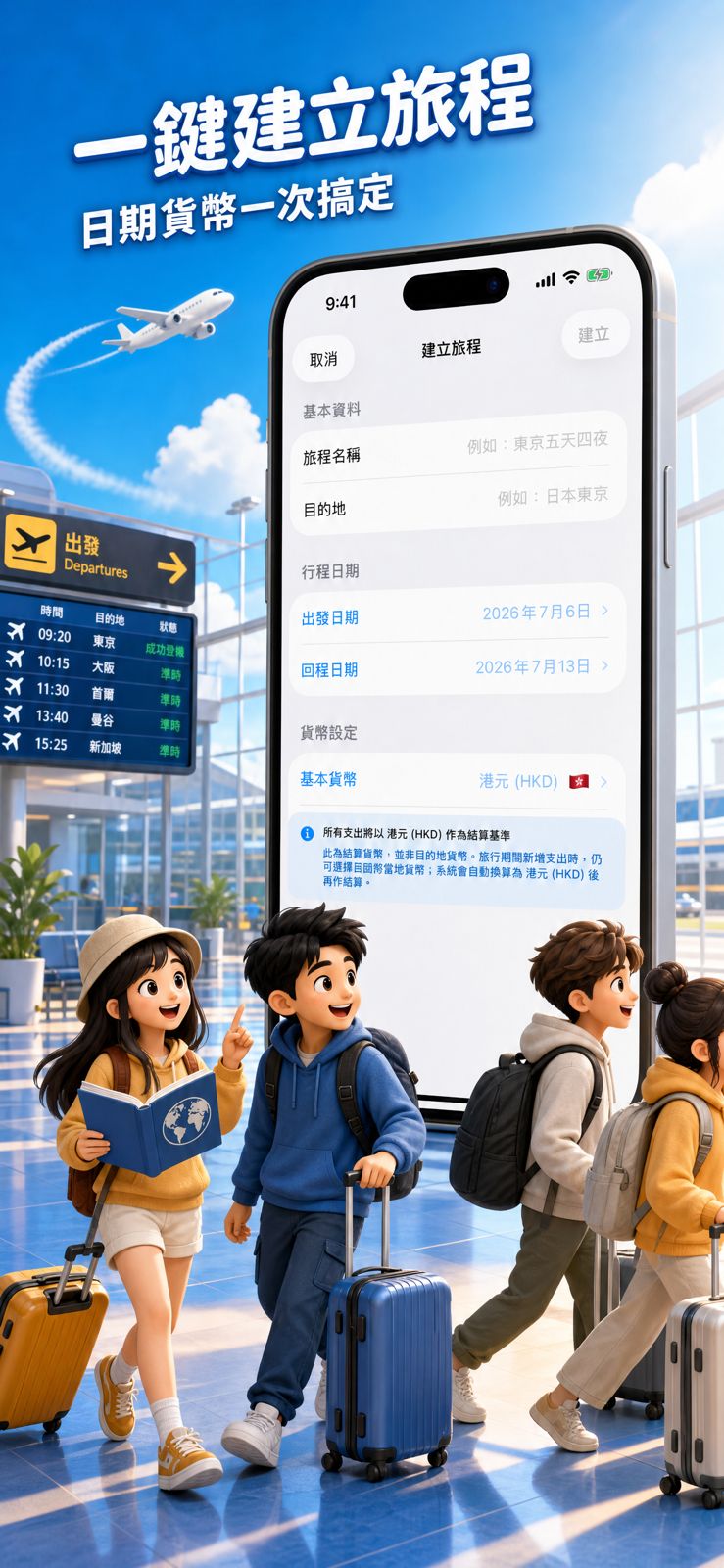
Omu Screens helps app builders turn plain simulator screenshots into polished marketing assets. Upload your app icon, screenshots, or demo visuals, and Omu Screens uses AI to suggest headlines, layouts, backgrounds, and visual styles that fit your product. Whether you are preparing an iOS App Store listing, launching on Product Hunt, or sharing your app on X, Threads, or LinkedIn, Omu Screens gives you a faster way to package your app for launch.
Create App Store-ready screenshots without Figma
Designing App Store screenshots manually is slow. You need the right dimensions, clear feature messaging, readable layouts, device-safe spacing, and consistent styling across every screen. Omu Screens simplifies the process. Start with your raw screenshots, choose a language and visual direction, then generate a set of polished App Store screenshots that can be exported for the formats your launch needs.
AI-generated copy, layouts, and backgrounds
Omu Screens does more than resize screenshots. It helps you turn product screens into marketing screens. The system can suggest benefit-led headlines, short subtitles, background treatments, device compositions, and launch visuals based on your app's style. Instead of starting from a blank design file, you start from a complete visual direction.
Not just screenshots. A launch kit for your app.
A launch usually needs more than App Store screenshots. Omu Screens is built to help founders create a complete set of launch assets from the same product materials.
- App Store screenshots
- Website hero visuals
- Product Hunt gallery images
- Social launch images for X, Threads, and LinkedIn
- App demo thumbnails
- Localized marketing copy
This makes Omu Screens useful before, during, and after your App Store launch.
Built for fast-moving AI app builders
Omu Screens is especially useful for indie developers, vibe coders, and early-stage AI app teams who can build quickly but do not want to spend hours designing launch assets. If you are applying to Omu Labs Launchpad, Omu Screens helps you prepare a cleaner, more polished first impression of your app.
Designed for App Store screenshot workflows
Apple App Store screenshots need to follow accepted device dimensions and orientation formats, including common iPhone sizes such as 1242 x 2688, 2688 x 1242, and 1284 x 2778. Omu Screens helps you prepare polished screenshots for common App Store use cases, including portrait and landscape outputs for iPhone app listings. You should always review your final exports before uploading them to App Store Connect, but Omu Screens reduces the manual work needed to prepare store-ready visuals.
Frequently asked questions
What is an App Store screenshot generator?
An App Store screenshot generator is a tool that helps app creators turn raw app screens into polished images for an App Store listing. Omu Screens uses AI to help with layout, copy, backgrounds, and launch-ready visuals.
Can I create App Store screenshots without Figma or Photoshop?
Yes. Omu Screens is designed for builders who want to create launch-ready screenshots without opening a complex design tool. Upload your screenshots, choose a direction, and generate polished visuals quickly.
Does Omu Screens support App Store screenshot sizes?
Omu Screens is designed around App Store screenshot workflows and can help prepare visuals for common iPhone screenshot formats. Always check your final assets against App Store Connect requirements before submission.
Is Omu Screens only for App Store screenshots?
No. Omu Screens can also be used to create website hero visuals, Product Hunt gallery images, social launch images, and other launch assets for your app.
Who is Omu Screens for?
Omu Screens is built for indie app developers, AI app builders, startup founders, and Omu Labs Launchpad applicants who need better launch visuals without spending hours in design tools.
AI App Store 截圖生成器,專為獨立開發者而設
將原始 App 截圖快速變成 App Store 上架截圖、網站首屏圖及社交平台宣傳圖。
由原始截圖,變成可發佈的 App 行銷素材
Omu Screens 幫助 App 開發者將普通的模擬器截圖,轉換成更精美、更適合上架和發佈的行銷素材。你只需要上傳 App icon、產品截圖或 demo 畫面,Omu Screens 會使用 AI 協助生成標題文案、版面設計、背景風格及視覺方向,讓你的 App 更容易被理解,也更適合放到 App Store、Product Hunt、網站首頁和社交平台。
不用 Figma,也可以生成 App Store 上架截圖
手動製作 App Store 截圖很花時間。你要處理尺寸、排版、手機 mockup、功能文案、背景設計和多張截圖之間的一致性。Omu Screens 將這些步驟簡化。你可以從原始 App 截圖開始,選擇語言和視覺方向,然後快速生成一組更適合上架的 App Store 截圖。
AI 協助生成文案、排版和背景
Omu Screens 不只是幫你 resize 截圖。它的目標是將產品畫面變成真正可用的行銷畫面。系統可以根據你的 App 風格,建議更清楚的功能標題、短副標、背景處理、裝置展示方式和整體視覺語氣。你不需要從空白設計檔開始,而是直接得到一個可調整的 launch visual direction。
不只是截圖,而是一套 App Launch Kit
真正的 App launch 往往不只需要 App Store 截圖。你還需要網站首屏圖、Product Hunt gallery、社交平台宣傳圖、demo 封面圖,甚至不同語言版本的行銷文案。Omu Screens 可以協助生成:
- App Store 上架截圖
- 網站 hero 首屏圖
- Product Hunt gallery 圖片
- Threads / X / LinkedIn 宣傳圖
- App demo 封面圖
- 多語言行銷文案
為 AI App 創作者、獨立開發者和 vibe coder 而設
很多開發者可以很快做出產品,但不想花幾個小時處理設計、截圖尺寸和行銷素材。Omu Screens 特別適合正在快速推出 App 的獨立開發者、AI App 創作者、startup founder,以及準備申請 Omu Labs Launchpad 的團隊。
配合 App Store 上架截圖流程
App Store 截圖需要符合 Apple App Store Connect 接受的裝置尺寸和方向格式。Omu Screens 會圍繞常見的 iPhone App 上架流程,協助你準備 portrait 或 landscape 的展示素材。最終上架前,你仍然應該檢查輸出圖片是否符合當前 App Store Connect 要求。不過,Omu Screens 可以大幅減少手動設計、調整尺寸和重複排版的時間。
常見問題
什麼是 App Store 截圖生成器?
App Store 截圖生成器是一種幫助開發者將原始 App 畫面,轉換成適合 App Store 上架頁面的工具。Omu Screens 使用 AI 協助生成文案、排版、背景和上架用視覺素材。
不用 Figma 或 Photoshop,可以製作 App Store 截圖嗎?
可以。Omu Screens 專為不想花太多時間使用複雜設計工具的開發者而設。你可以上傳截圖,選擇語言和風格,然後快速生成更專業的 App Store 截圖。
Omu Screens 支援 App Store 截圖尺寸嗎?
Omu Screens 會圍繞常見 App Store 截圖流程設計,協助你準備適合 iPhone App 上架使用的視覺素材。正式提交前,建議仍然對照 App Store Connect 的最新要求檢查最終輸出。
Omu Screens 只可以做 App Store 截圖嗎?
不是。Omu Screens 也可以用來生成網站首屏圖、Product Hunt gallery 圖片、社交平台宣傳圖、App demo 封面圖和多語言 launch copy。
Omu Screens 適合誰使用?
Omu Screens 適合獨立開發者、AI App 創作者、startup founder、vibe coder,以及準備申請 Omu Labs Launchpad 的團隊。